How it works
Capture and share your special moments with friends and family. Simply upload your photos and videos, and create a lasting keepsake. Our easy-to-use platform ensures your memories are beautifully preserved, making your guestbook album a cherished treasure for years to come.
Step 1
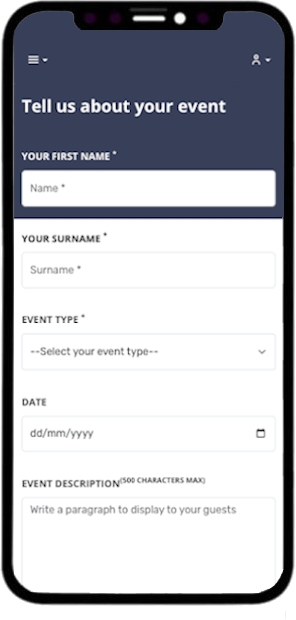
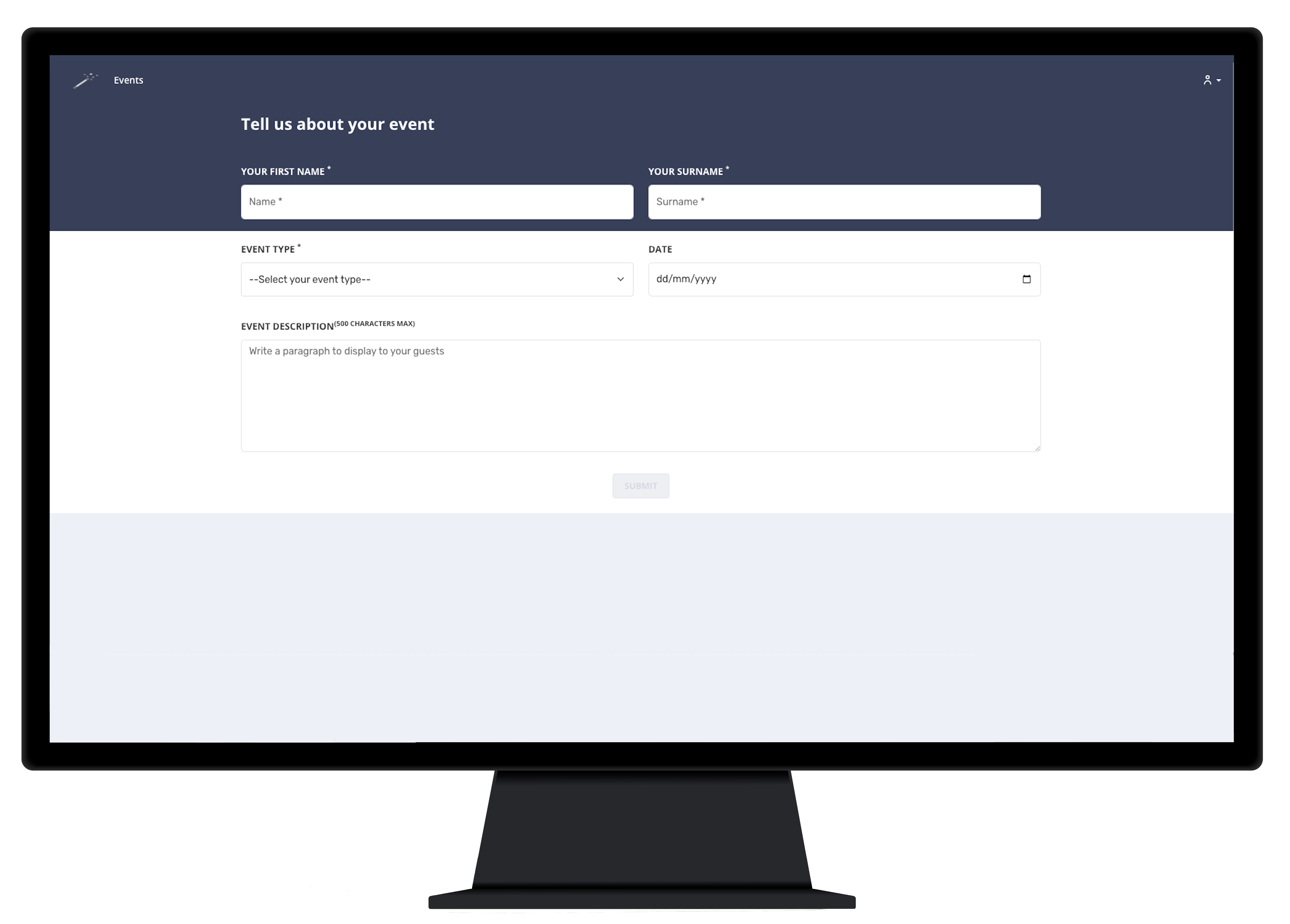
Create Your Event
Set up your event by providing essential details, including the event title, date, location and a welcome message. Once your event is created, a unique URL and QR code will be generated specifically for your guestbook. Guest's can then access your event by simply scanning your QR code. Event's can be protected with the use of a PIN, this can be enabled in the event settings.
Step 2
Share the QR Code and URL
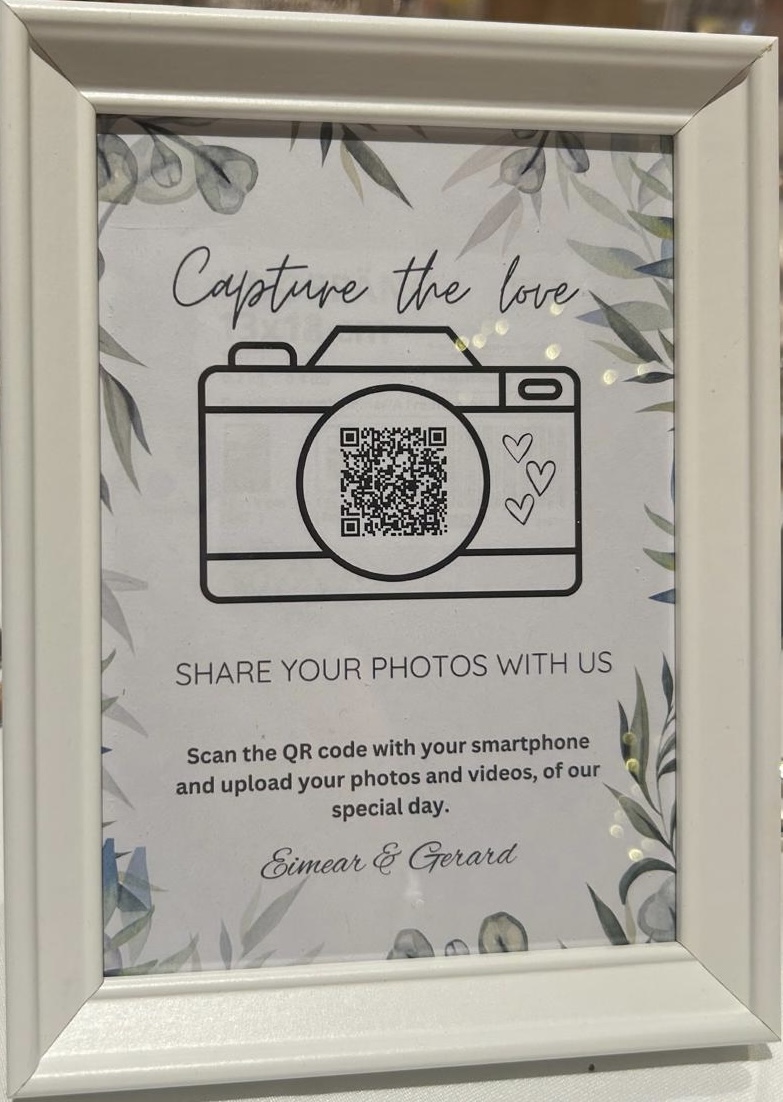
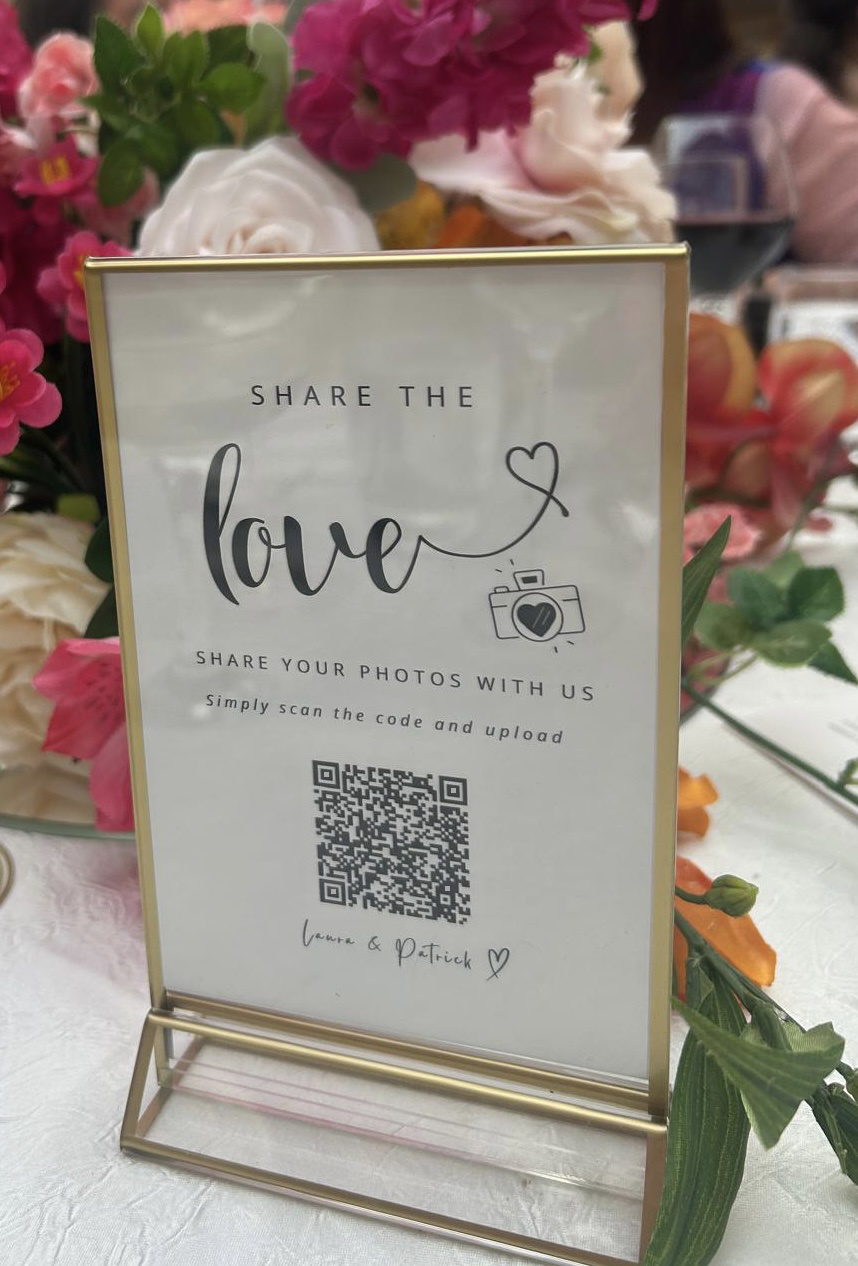
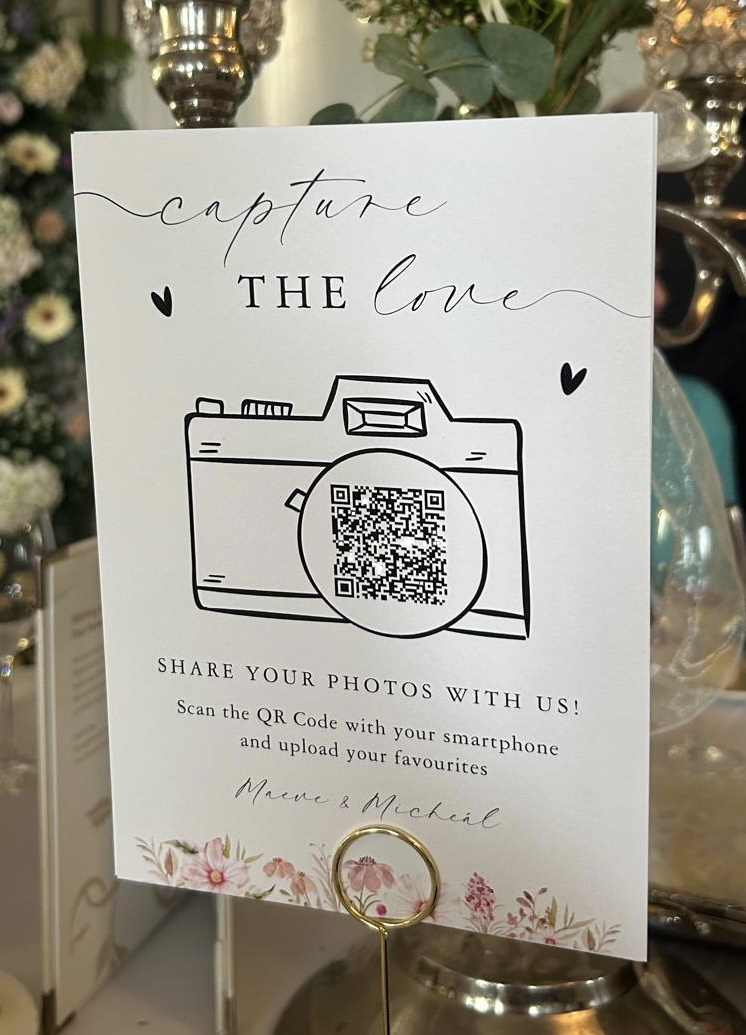
Easily share the custom QR code at the event by displaying it to guests on custom made templates. Share the URL to guests after the event along with the PIN (if enabled), and capture those memories even after the event is over. Guests can simply scan the QR code or click the link to access the guestbook.
Step 3
View and Download Your Memories
After the event, you can view all the uploaded content in your secure, private gallery. Download all the memories at your convenience and relive your special day whenever you like!
You have a 3 month upload window so you can ask guests to upload all those images or videos they never got around to on your day!
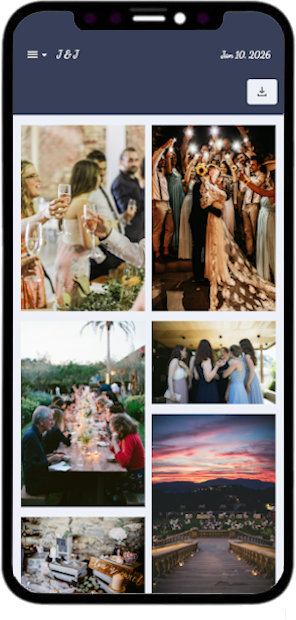

Have a look at a sample album!
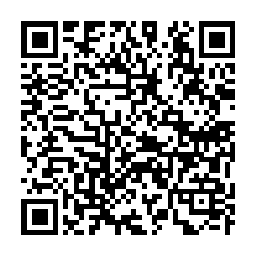
View a sample album by scanning the QR code, upload photos and videos just to see how simple it really is for your guests!